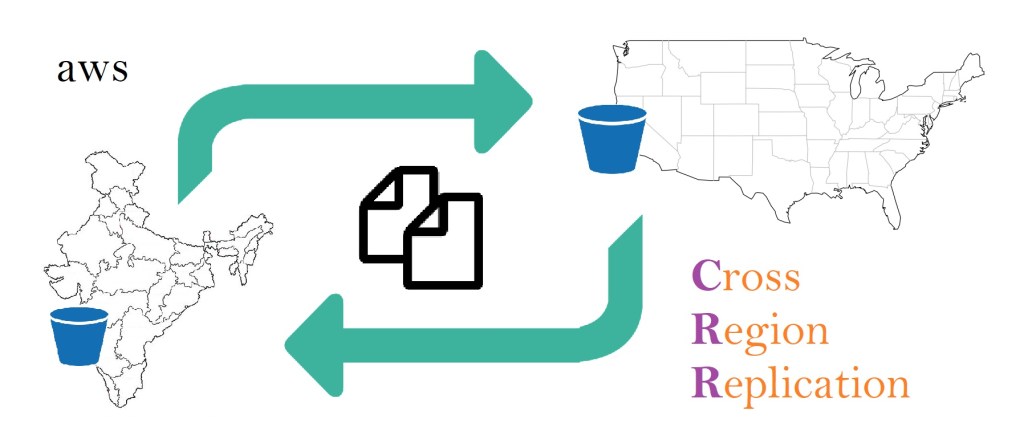
Cross Region Replication (CRR) is a feature of S3 that can be activated at Bucket level by adding a replication configuration to the source bucket. Any Bucket belong to a specific Region and it is not Global. Within a Region, (unless objects are stored in “IA-1Z” storage class), Objects are automatically replicated to 3 or more availability zones. However thats only within the Region.
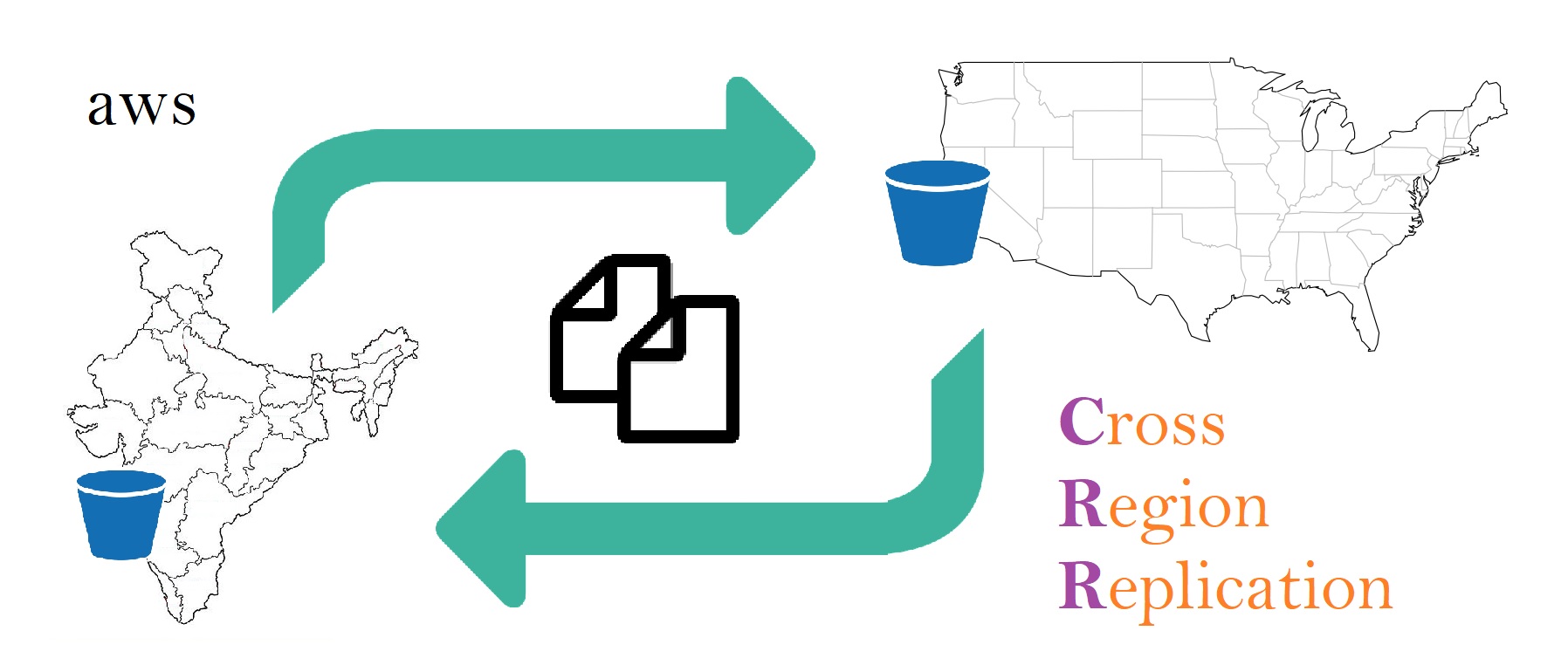
CRR is the feature that allows its users to replicate entire source Bucket to another Region as destination Bucket even between different AWS accounts. This can achieve the highest level of availability and durability for your data by Replicating data in different parts of world. Even though CRR is activated on Bucket level, users can configure to select a subset of objects (and not all objects) for Replication, e.g. a key name prefix “Documents/” configures Replication of Objects in Documents folder within the Bucket. Any new version of objects in sub-folder “Music”, will not be replicated to destination bucket.
As objects getting replicated, Destination objects’ storage class and object ownership, both can be changed in the replication configuration at the same time. If CRR is configured after objects are created in the source bucket, then only new objects are replicated not existing objects, i.e. Objects are replicated to destination via CRR only while they are being created in source bucket. Along with the objects, CRR also replicates Object metadata, it’s Tags and it’s ACL.
When an object’s latest version is deleted from source and a Delete Marker ‘dm‘ is added, then CRR also replicates the ‘dm‘ in destination bucket. This happens only if ‘dm’ was added as a result of user action not due to any Life Cycle Management (LCM) configuration. However if a version is explicitly deleted (including latest) by specifying version ID and no ‘dm‘ is created in source bucket, then CRR doesn’t replicate the deletion behavior in destination bucket (no matter caused by User action or by LCM). CRR replication works only with user actions not due to any LCM configuration or due to objects created by another CRR configuration.
Point to Keep in Mind regarding CRR:
- Destination bucket isn’t created automatically when CRR is configured. So destination bucket must be created prior to setting up CRR.
- Versioning must be enabled on both source and destination buckets.
- Replication happens only when object versions are getting created in the source bucket. Existing versions are not replicated.
- CRR works, subjecting to policies and permissions allowing CRR to read objects and read object permissions from source bucket and write to destination bucket. Therefore, attach appropriate IAM role to S3 Service.
- CRR is designed to replicate data across different regions. Hence, source and destination bucket must be in different regions.
- If source objects are encrypted using SSE-S3 or SSE-KMS, then the IAM role empowering S3 must also allow it to access the KMS key for the destination region and the CRR configuration must use the KMS key.
- Source objects encrypted with SSE-C are not replicated to destination bucket.
- Object properties are, but Bucket properties aren’t, replicated to destination bucket. This allows a separate bucket policy to be setup on destination bucket.
.
 Vipul Pathak
Leave a comment